XMetaL Author (S1000D Customization)

New Release: v21.0 Scheduled for December 2026

JustSystems - XMetaL Author with S1000D customization

XMetaL Author (S1000D customization)

XMetaL Author is a graphical editor for creating and editing structured documents. It provides a highly configurable user interface and a powerful array of authoring tools. You can use XMetaL to create XML documents in any language, regardless of your XML knowledge.

XMetaL Author is a product of JustSystem Canada, Inc.


XMetaL Author - S1000D Customization

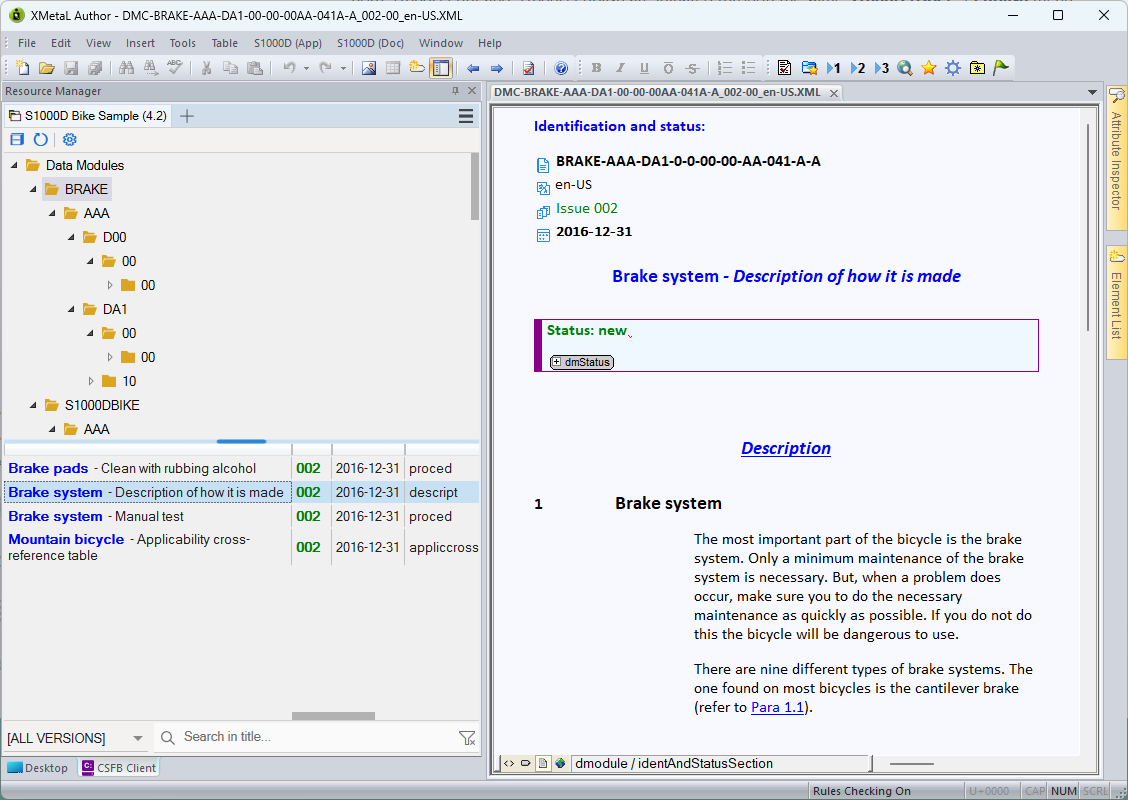
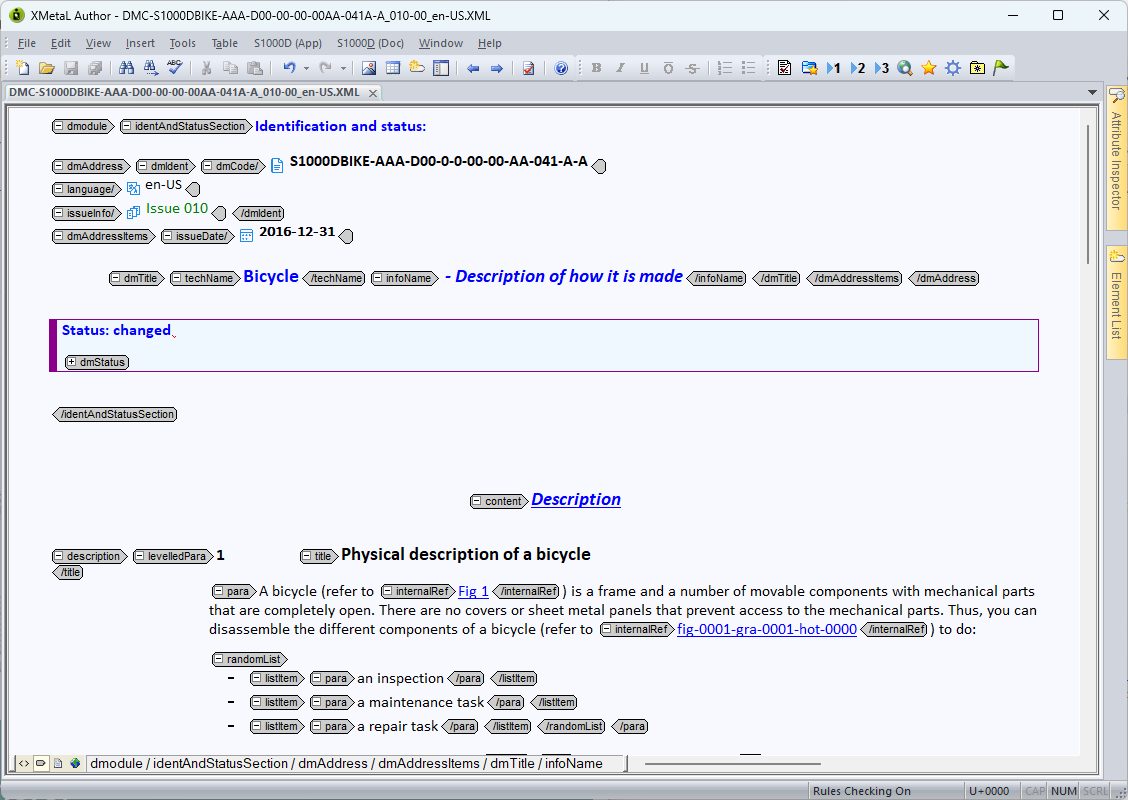
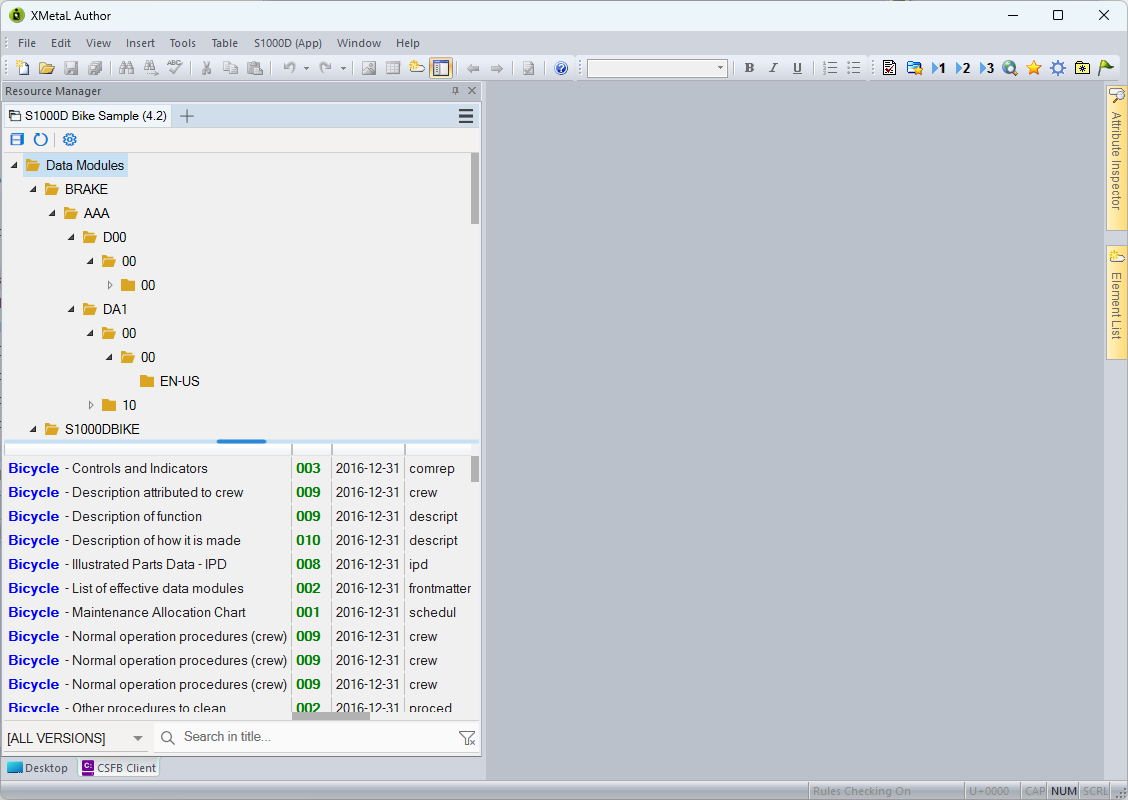
XMetaL's S1000D customization offers a suite of specialized functionalities designed for the efficient manipulation of S1000D documents stored on the local file system. These tools facilitate the editing, validation, and management of S1000D content, streamlining the process of creating and maintaining compliant technical documentation.

(Click image to enlarge)

Docuneering S1000D Print & Publish Integration

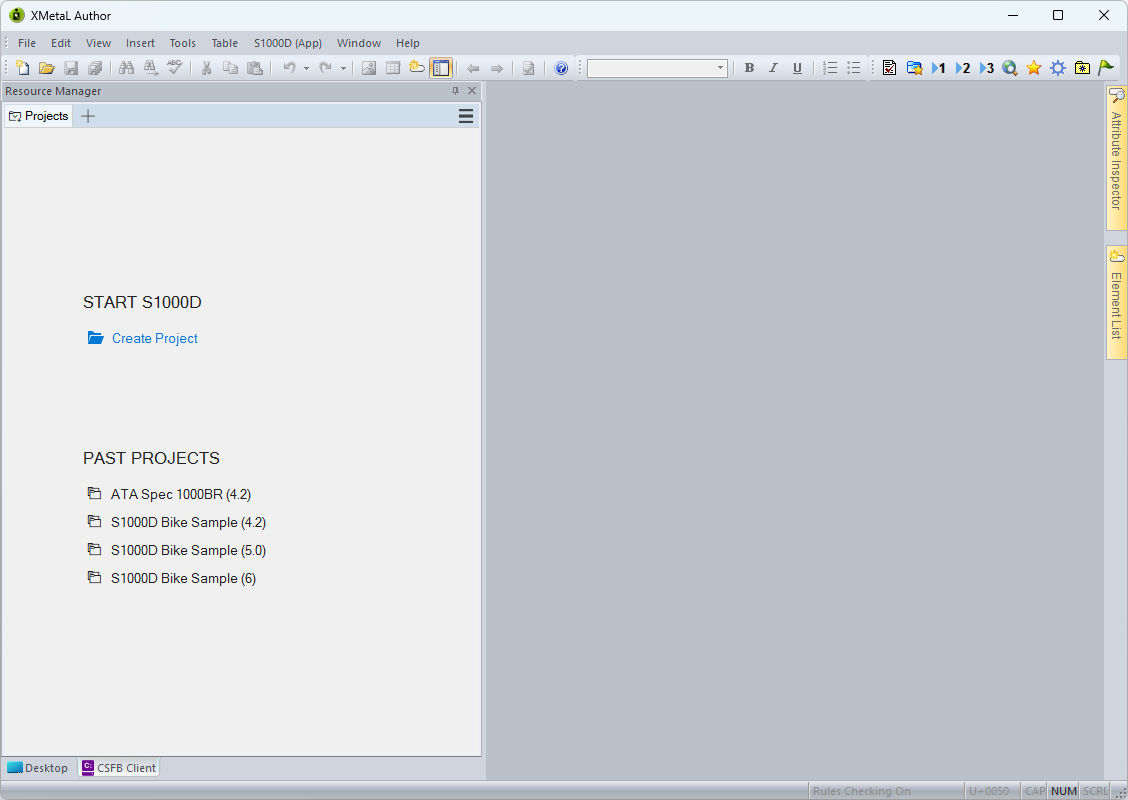
Our Docuneering S1000D Print & Publish stylesheets have been fully integrated into XMetaL Author. This allows users to Print an individual Data Module to PDF for review or Publish a complete S1000D-compliant publication for delivery to a customer, all directly from within their existing XMetaL Author environment.
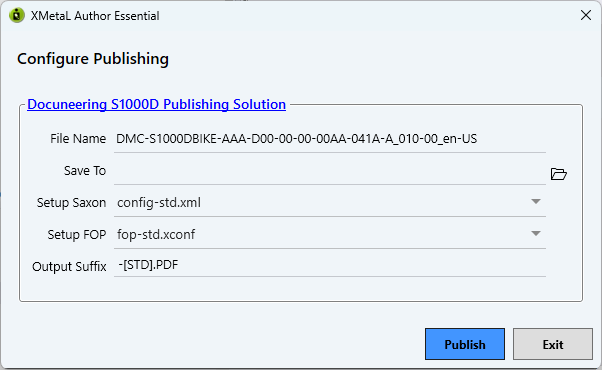
Both S1000D Print and S1000D Publish are initiated through the same S1000D (Doc) → Publish menu item. XMetaL automatically identifies whether the open document is a Data Module or Publication Module and invokes the appropriate printing or publishing process.

For Publication Modules, XMetaL automatically assembles the referenced Publication Modules and Data Modules into a compound document before applying the Docuneering publishing stylesheets. Progress and diagnostic information are displayed throughout the process, and the completed PDF opens automatically.

Important: This S1000D Print & Publish capability requires a separate licence from Docuneering.


What is the difference between S1000D Print & S1000D Publish?

S1000D Print:

Convert an individual Data Module (DM) to PDF for review.

Visual example: DM→ PDF


S1000D Publish:

Convert a Publication Module (PM) and its many referenced Data Modules into a complete PDF publication for delivery to the customer.

Visual example: PMDM DM DM DM DM → PDF

A picture is worth a thousand words

Click a thumbnail below to see an enlarged image...

Want to find out more?

Contact Us

Main Features...

XMetaL Author (S1000D customization)


Version 21.0 (December XXth, 2026)
  • Support S1000D version 2.3, 2.3.1, 3.0 and 3.0.1.
    • Provide context menu to insert cross references.
      • ftnref
      • xref
    • Provide context menu to insert S1000D data module references.
      • refdm
      • refpm
      • dmlref
      • crefddn
      • crefdm
      • crefpm
    • Provide context menu to insert file references.
      • reftp
      • refextp
    • Provide support to incorporate Technical Information Repository(TIR) documents in a project.
    • Provide actions to insert, edit, and display TIR references in a S1000D document.
  • Support for validating document with its associated BREX rules.
  • Support for publishing via integrating Docuneering Publishing Solution (Trial Version).
  • Support for creating user document template.
  • Support for building Table of Reference.
  • Support for building RDF/DC metadata section.
  • Support for building legend definition list.
  • Support for inserting multiple references in <refs> element in a single operation.
  • Support for copying certain element (e.g., module identity) as a plain string to Windows clipboard.
  • Support for copying Excel cell selections as either a CALS table or raw table data.
  • Support for editing and applying applicability for documents compliant with S1000D Issue 3.0 and later.
    • Create and edit <applic> elements based on associated ACT and CCT data.
    • An applicability chooser that helps users select the appropriate value for the applicRefId attribute.
    • Create and edit <product> elements derived from associated ACT and CCT data.
    • Copy the text representation of an <applic> element to the Windows clipboard.
    • Create filters using ACT, CCT, and PCT data to support document-level and content-level applicability filtering.
    • Apply applicability to a document, filtering content by marking or hiding nodes according to the defined rules.
    • Save a document after applicability-based filtering has been applied.
Version 20.0 (December 12th, 2025)
  • Support S1000D version 6.
  • Create drafts or issues of S1000D documents.
  • Support default project configuration in Common Source File Base(CSFB).
  • Support filtering in CSFB panel.
  • Purge unused ICN entities in a S1000D document.
  • Provide actions to manipulate change marks.
  • Provide actions to manipulate change, security and control attributes
  • Provide actions to select, insert and manipuate hotspots.
  • Provide specific UI to select S1000D documents.
  • Provide context menu to show help on the current element.
  • Provide context menu to insert cross references.
    • condRef
    • footnoteRef
    • internalRef
  • Provide context menu to insert S1000D data module files.
    • commentRef
    • dmRef
    • ddnRef
    • dmlRef
    • pmRef
  • Provide context menu to insert file references
    • attachmentRef
    • externalPubRef
    • infoEntityRef
  • Provide support to incorporate Common Information Repository(CIR) documents in a project.
  • Provide actions to insert, edit and display CIR references in a S1000D document.

Version 19.0 (December 20th, 2024)
  • Manage S1000D documents on the local file system as projects.
  • Handle references - <internalRef>, <dmRef>, <pmRef>
  • Handle <figure> and <multimedia>

Limitations
  • The system does not support S1000D 2.2 and below.
  • The system is not integrated with any CSDB system.

XMetaL Author

What about a standalone S1000D Publish capability?

We understand that sometimes it makes more sense to have a separate standalone S1000D Publishing capability that isn't tied to any single vendor. Our Docuneering S1000D Print & Publish capability is designed to be completely vendor-neutral which means it can be run from a simple Windows batch file through to a fully integrated S1000D solution.

Your publishing capability. Your choice.

S1000D Publishing